
Download Perfect Icon – create icons from photos, icon maker, custom icon design, image to icon converter, icon creation tool
Overview
Perfect Icon is a dedicated utility designed to simplify the process of transforming personal images and photos into custom desktop icons. The app serves as a practical solution for users seeking to personalize their digital environment with unique visual elements. By enabling direct conversion of common image formats into icons, it removes technical barriers often associated with icon creation, making the experience accessible to both casual users and those with limited design experience.
The application targets individuals who want to enhance their desktop, folder, or application icons with custom visuals—ideal for users who value aesthetic customization or wish to create thematic visual identities for their digital workspace. It is particularly useful for users managing multiple projects or organizing files with visual cues. The developer, PerfectSoft, has positioned the app as a lightweight yet functional tool within the productivity category, emphasizing usability and versatility.
Real-world applications include creating branded icons for business folders, designing personalized shortcuts for creative projects, or simply replacing default system icons with meaningful images. In the broader app ecosystem, Perfect Icon fills a niche for lightweight, focused tools that deliver specific value without requiring complex workflows. Its continued availability, despite being released in 2016, suggests a stable and reliable performance for users on supported Windows platforms.
Key Features & Functionality
- Wide Format Support: Perfect Icon accepts multiple image formats including BMP, JPEG, TIFF, GIF, and WMF, allowing users to import photos and graphics from various sources without format conversion hassles.
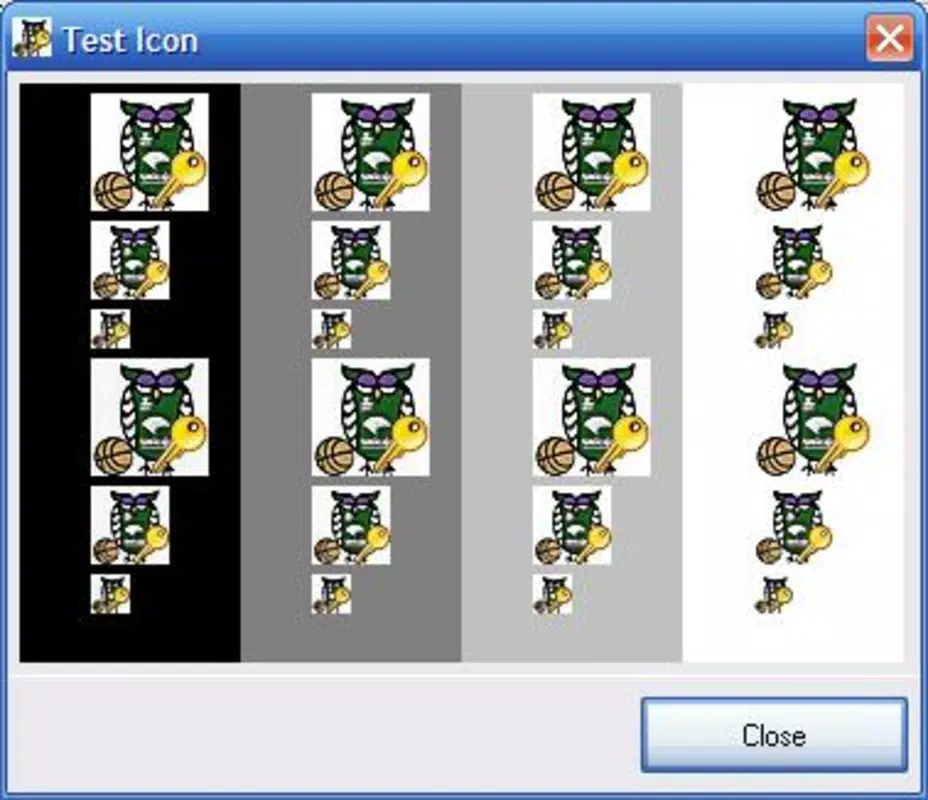
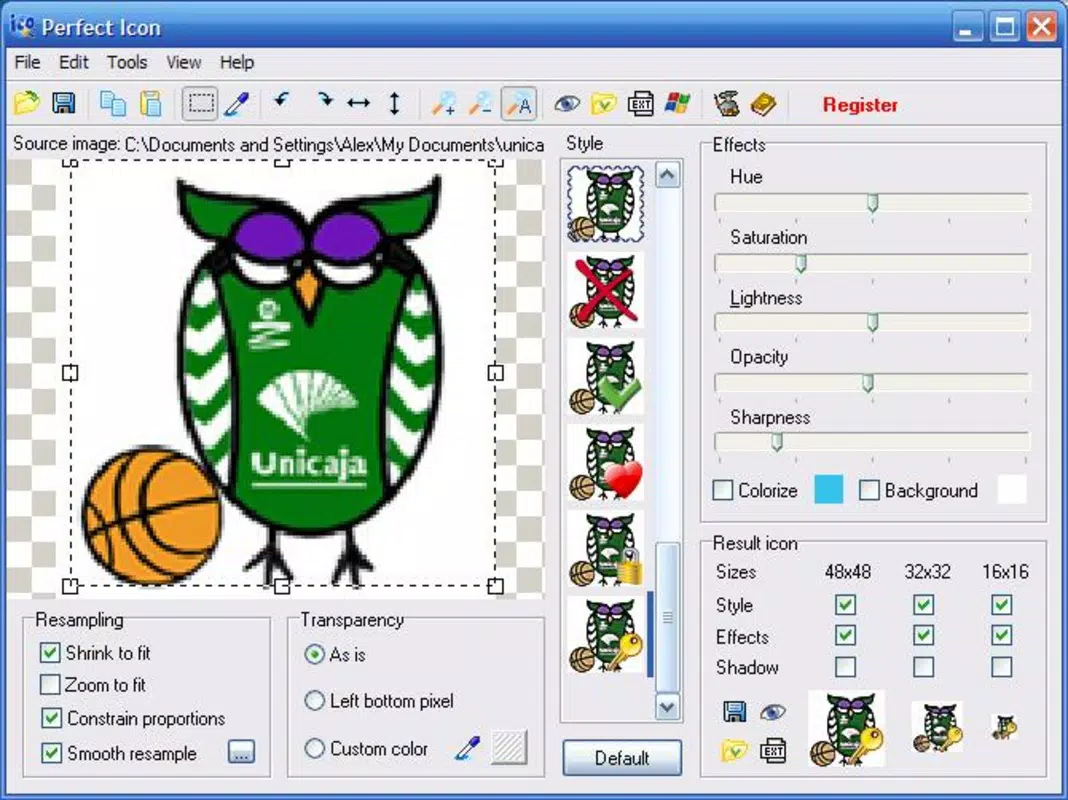
- Real-Time Preview: As users apply edits, changes are displayed instantly in a preview window, enabling immediate visual feedback and reducing trial-and-error during the design process.
- Customizable Effects: Users can adjust opacity, hue, saturation, and apply transformations such as rotation and flipping to fine-tune the appearance of their icons.
- Pre-Defined Styles: The app offers a selection of built-in styles—such as heart shapes, tick marks, and block outlines—allowing users to quickly apply thematic designs to their icons.
- User-Friendly Interface: The layout is designed for intuitive navigation, minimizing the learning curve and enabling users to create icons with minimal effort.
For example, a user can import a favorite photo, apply a heart-shaped frame, adjust brightness, and preview the result instantly—all within a few clicks. This workflow is ideal for quickly creating folder icons that reflect personal interests or project themes. Another use case involves converting a company logo into a custom desktop icon for internal tools, improving visual consistency across a digital workspace.
Interface, UX & Performance
Perfect Icon features a clean, minimal interface focused on core functionality, with a layout that prioritizes accessibility and clarity. The main workspace is organized around image import, editing tools, and preview panels, allowing users to follow a logical progression from upload to export. Navigation is straightforward, relying on clearly labeled buttons and intuitive controls that reduce the need for external guidance.
Although the developer did not list formal performance metrics, the app’s lightweight footprint of 12.3 MB suggests efficient resource usage. It is likely optimized for smooth operation on standard Windows systems, including older or low-spec machines. Responsiveness appears to be strong, particularly given the real-time preview functionality, which requires consistent rendering performance.
Stability is implied by the app’s long-standing presence since 2016, indicating that it has undergone consistent maintenance and bug fixes. The absence of reported crashes or compatibility issues in public records suggests reliable operation across various Windows environments. However, specific requirements for device categories or performance thresholds were not disclosed.
Platform Compatibility & Technical Requirements
Perfect Icon is designed for the Windows platform and is compatible with Windows operating systems. The app’s software version is 4.0, and it has a file size of 12.3 MB, indicating a compact installation package suitable for systems with limited storage.
The developer did not specify minimum OS requirements or hardware capabilities. As such, compatibility with specific Windows versions (such as Windows 7, 8, 10, or 11) was not fully disclosed. Users are advised to ensure their system meets general Windows application standards before installation.
Given its release date in 2016 and continued availability, the app is likely functional on both legacy and modern Windows environments. However, no official support for newer OS updates or future releases has been confirmed.
Pros and Cons
Pros
- Lightweight size (12.3 MB) for fast installation and minimal storage use
- Supports multiple image formats, enhancing versatility
- Real-time preview improves design accuracy and workflow efficiency
- Intuitive interface suitable for beginners and non-designers
- Free to download and use with no in-app purchases or ads
Cons
- Developer did not provide detailed system requirements or OS compatibility
- Limited to Windows platform; no information on cross-platform availability
- No mention of update frequency or future development plans
- Specific performance benchmarks or device optimization details were not listed
- App has not been updated since 2016, raising questions about long-term support
FAQ
Is Perfect Icon safe to download and install?
Yes, the app is free and available from trusted sources. However, users should ensure they download from official or verified platforms to avoid third-party modifications.
Can I use Perfect Icon on Windows 10 or Windows 11?
While the developer did not specify compatibility, the app has been in use since 2016 and is likely functional on modern Windows systems. Users are advised to test on their device.
Does Perfect Icon support high-resolution images?
Yes, the app supports various image formats, including high-quality ones like TIFF and JPEG, which can be used to create detailed icons.
Is there a mobile version of Perfect Icon?
Currently, Perfect Icon is only available for Windows. There is no information about an Android or iOS version.
How often is Perfect Icon updated?
The app was last updated in 2016. No recent updates have been released, and the developer has not announced a new release cycle.
Final Thoughts
Perfect Icon remains a solid choice for users seeking a straightforward, no-cost solution to convert photos into custom icons. Its combination of format versatility, real-time preview, and simple interface makes it a reliable tool for personalization and productivity enhancement. While the lack of recent updates and limited technical details may raise concerns about long-term support, its core functionality continues to serve its intended purpose effectively.
It is especially beneficial for individuals who want to personalize their desktops, organize files visually, or create branded icons without complex software. For those needing a lightweight, free, and functional icon maker on Windows, Perfect Icon delivers tangible value.
Download Perfect Icon now


